Development Tools
Tools for version control, builds, documentation, and development workflows.
See also: Command Line Tools , Libraries , Web Apps
-
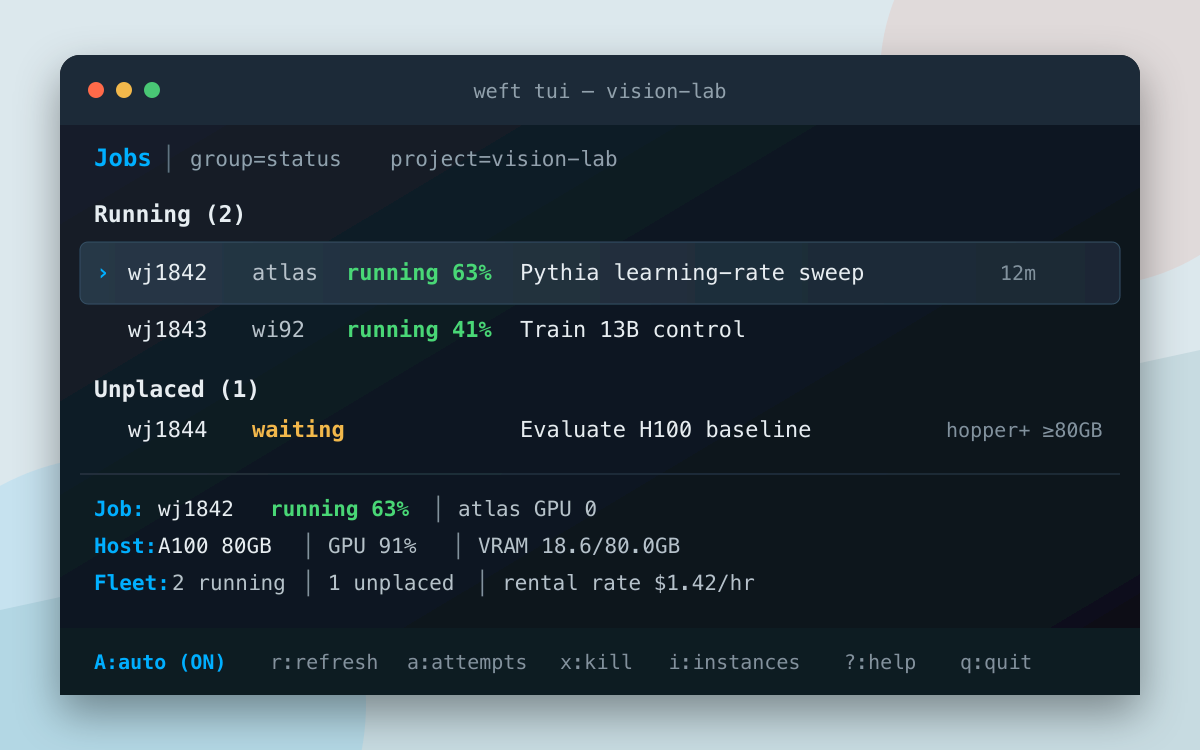
A terminal-native control plane for placing and running GPU research jobs across workstations, shared servers, and cloud rentals.
-
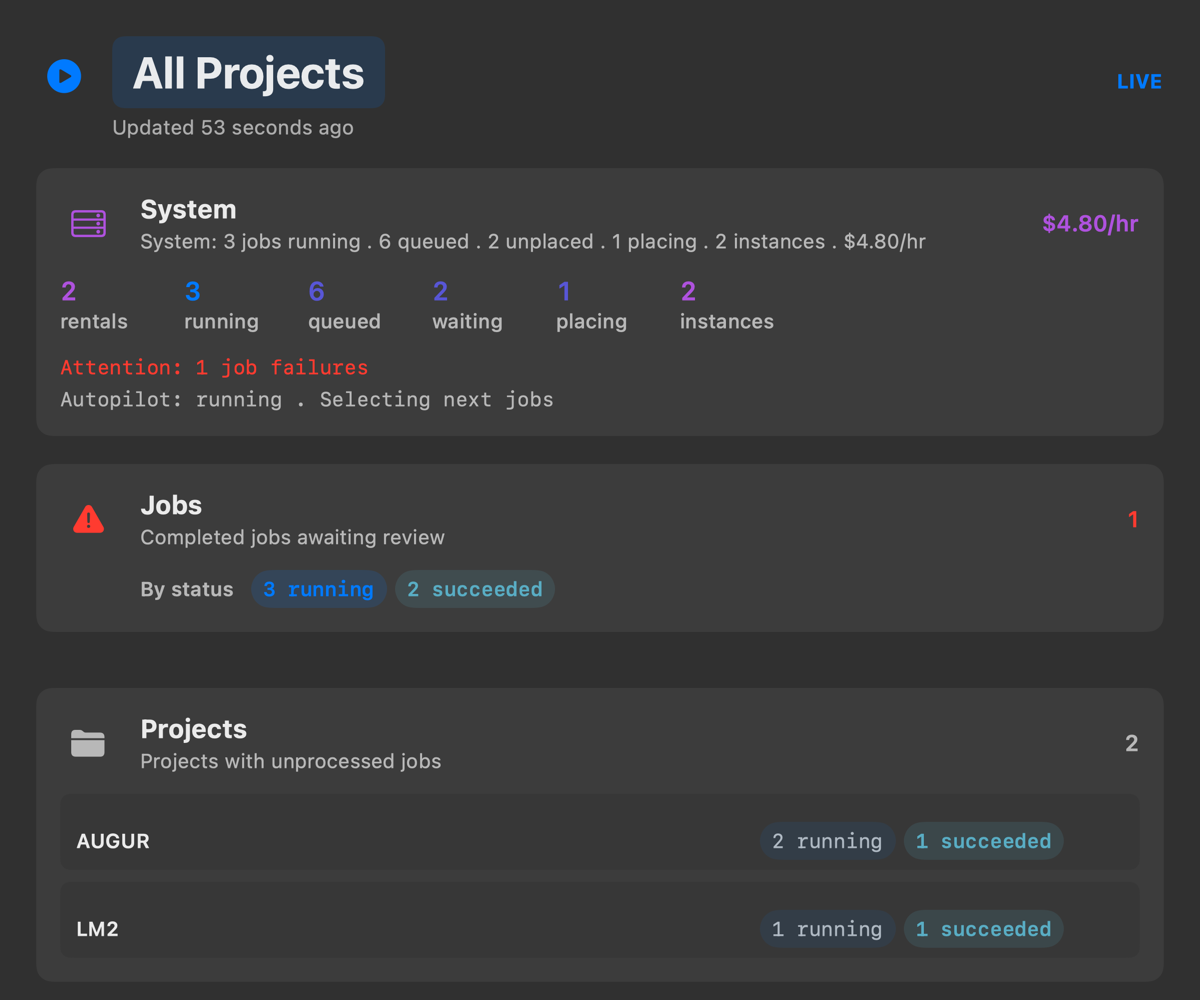
A macOS menu bar companion and floating HUD that displays current Weft job, rental, and autopilot activity.
-
An Express middleware library that caches CDN resources on disk and rewrites URLs for offline development.
-
Local coordination for coding-agent sessions across projects and harnesses: durable mail, path claims, work leases, and obligations that record who owes whom a decision, a fix, or a finished job. Formerly agent-mail.
-
A machine-local, agent-writable knowledge base where coding-agent sessions record and search hard-won facts about tools and workflows, with git provenance, talk pages, and a session ledger.
-
Launchers for Claude Code, Codex, Kimi, opencode, OMP, and agy that start each agent under agent-command-guards, with stable session identity, model-first commands, resume by name or transcript text, cross-harness continuation, crash recovery, and exit receipts.
-
A local issue ledger for locally developed tools: file defects against any component, deduplicated by fingerprint, with occurrence counts and recurrence tracking after close.
-
Runs a coding agent as a job under an explicit tool policy (no tools, read-only, or confined writes), with process containment, cost limits, and a record of what the agent was given and what it did. Optionally submits the work as a Weft job.
-
Sends a coding task to an agent on another machine. The agent edits a snapshot of the source tree as a Weft job, and its work comes back as a diff to verify and apply.
-
An MCP server that converts timestamps with IANA time zone rules and reports date-boundary changes.
-
Turn transcripts and screenshots into shareable, text-anchored, hand-annotated images.
Example usage:# Render a transcript and create text-anchor metadata nib render transcript.md -o base.png # Add hand-drawn marks from a quote-anchored specification nib annotate base.png --spec marks.json -o annotated.png -
A terminal user interface (TUI) for managing Mutagen sync sessions.
- Subdomain Router 2024
A Cloudflare Worker for path-based application routing, enabling multiple applications to be served under different paths of a single domain.
-
Various utility scripts, primarily in Bash and Python, to assist with system management, development, and miscellaneous automation tasks.
-
A smart command runner that finds and executes commands across different build systems and project types.
Example usage:# Run tests across different project types cmd-runner test # Run lint command cmd-runner lint # Run format command cmd-runner format # Run build command cmd-runner build # List available commands cmd-runner --list -
Runs a command with portable process-tree limits on memory, sustained CPU use, and wall-clock runtime.
Example usage:# Limit memory, CPU, and wall-clock runtime with-limits --memory 8GiB --cpu 2 --time 30m -- python train.py # Run a shell pipeline with the automatic memory limit with-limits -c 'just format && just check' -
Applies one exact mutation, runs a check, restores the file, and reports KILLED or SURVIVED, refusing the false verdicts a hand-run mutation can produce: unmatched patterns, red baselines, masked pipeline failures, and stale Python bytecode.
Example usage:# Confirm a test catches removing this call mutate-guard --file src/app.py --old 'validate(order)' --new 'None' \ --test 'python -m unittest tests.test_orders' -
A command-line tool that detects and reports a project's version from its files.
Example usage:# Bump patch version in current directory project-version bump # Show current version and available commands project-version # Bump minor version project-version bump minor # Bump major version with verbose output project-version bump major --verbose # Set a specific version (with or without v prefix) project-version set 2.0.0 project-version set v2.0.0 # Set a lower version (requires --force) project-version set 1.0.0 --force # Dry run to see what would happen project-version bump --dry-run project-version set 2.0.0 --dry-run # Bump version without creating a git commit project-version bump --no-commit # Bump version in a specific directory project-version /path/to/project bump -
A binary search tool to identify problematic Obsidian plugins that may be causing crashes, freezes, or other issues in your vault.
Example usage:# Run the script with your vault path python bisect-obsidian-extensions.py /path/to/your/vault # Or if made executable ./bisect-obsidian-extensions.py /path/to/your/vault # Include lazy-plugins in the search python bisect-obsidian-extensions.py /path/to/your/vault --keep-lazy
Version Control
Tools and scripts for Git and Jujutsu version control systems.
-
PATH-level command wrappers that apply workstation policy to ssh, scp, rsync, git, and uv inside coding-agent sessions, including Jujutsu interoperability and a memory ceiling for uv run.
-
A PreToolUse hook for Claude Code, Codex, Kimi, and opencode that decides Bash tool requests against local development and research conventions, denying what a general permission system cannot infer.
-
Git utilities for fixup commits, AI-assisted commit messages, history rewriting, and release notes.
-
Jujutsu utilities for command shortcuts and AI-assisted commit messages.
-
Command-line tool that scans directories and displays sync status for Git and Jujutsu repositories.
Example usage:$ gitsync Name VCS Dirty Remote Ahead coffee-shop-finder git ✗ ✓ ✗ todo-app-but-better git ✓ ✓ ✓ my-awesome-blog jujutsu ✗ ✓ ✗ cat-meme-generator jujutsu ✗ ✗ ✗ dotfiles git ✓ ✓ ✗ random-excuse-api git ✗ ✓ ✓ old-experiments bare ✗ ✗ ✗ -
Fast tool for cloning all forks of a repository or GitHub Classroom assignments.
Example usage:# Clone all forks of a repository multiclone owner/repo # Clone GitHub Classroom assignment repos multiclone org/repo --classroom # Clone into a specific directory multiclone --dir path/to/dir owner/repo # Preview commands without executing them multiclone owner/repo --dry-run # Clone repos listed in a file multiclone repos.txt
p5.js Tools
Development tools for the p5.js creative coding framework.
-
Command-line tool that runs p5.js sketches with live reload and automatic library inclusion.
Example usage:# Install globally npm install -g p5-server # Create a new sketch p5 create my-sketch # Run a server with live reload p5 serve --open # Run a sketch in split view mode p5 serve sketch.js --theme split # Create a screenshot of a sketch p5 screenshot my-sketch.js # Build a static site of p5.js sketches p5 build --theme grid # Run a server with live reload p5 serve --open # Run a sketch in split view mode p5 serve sketch.js --theme split # Create a screenshot of a sketch p5 screenshot my-sketch.js # Build a static site of p5.js sketches p5 build --theme grid -
VS Code extension that launches a p5.js-aware live server.
This collection includes development tools and utilities designed to improve developer productivity. From build automation and version management to productivity integrations with tools like Raycast, these projects help streamline development workflows.
Featured Areas
- Version Control - Tools and scripts for Git and Jujutsu version control systems
- Build Automation - Tools for managing project versions and build processes
- Productivity Integrations - Extensions and integrations for developer tools like Raycast
- Workflow Utilities - Command-line tools and utilities that enhance development workflows
- Documentation Tools - Utilities for managing and generating documentation